
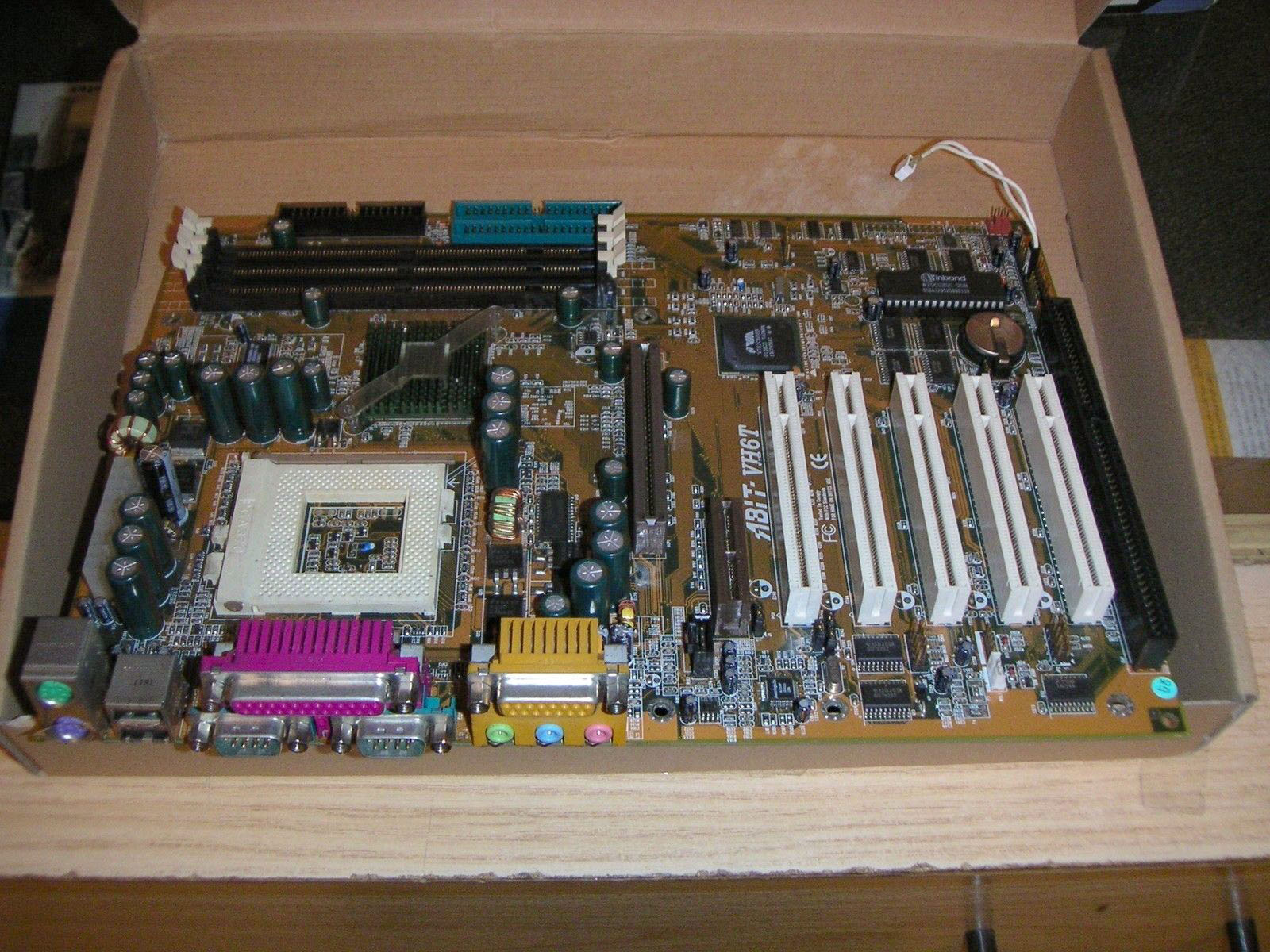
Retro computer repair : Abit VH6T mainboard
A few months ago I started to build a retro computer out of broken parts from the junkyard and extremely cheap stuff off the internet. Playing games like I used to back when I was a kid (Duke Nukem 3D in a real DOS environment or Archimedean Dynasty with a physical 3Dfx card) is absolutely amazing. I also need to use the GamePort for my old joystick but that connector hasn’t been supported since Windows 7 anymore.
So I got hold of the Abit VH6T mainboard. This is a very special kind of hardware. It still comes with the old ISA slot for adding a Soundblaster card, supports up to 1.5GB SDRAM and it can even overclock directly from within the BIOS. The best feature of this motherboard is the support for 1.4GHZ Pentium III (Tualatin) processors, though. DOS gaming on a 1.4GHz machine? Hell yeah, baby!
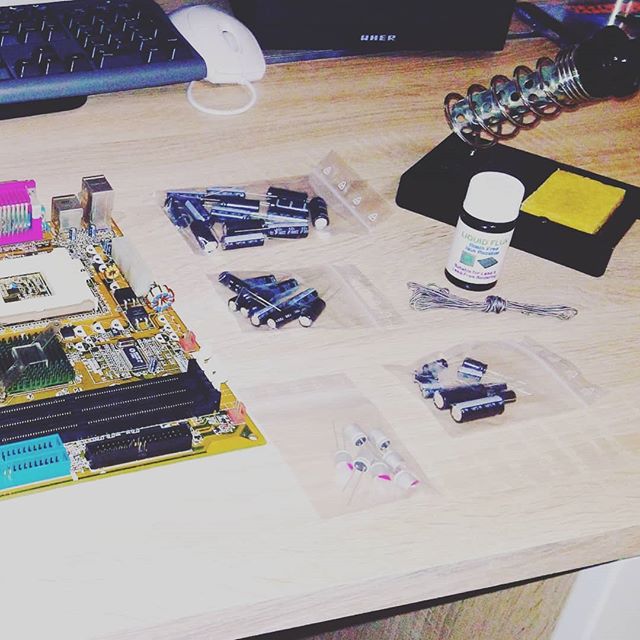
I received this mainboard in a broken state for one buck and refrained from turning it on immediately. All of the capacitors on this board are broken and they must be replaced in order to use this board in a stable manner. Because of this reason, there was even a class-action lawsuit against Abit in 2005 and the company was ordered to give the customers their money back or repair the board without any additional cost.
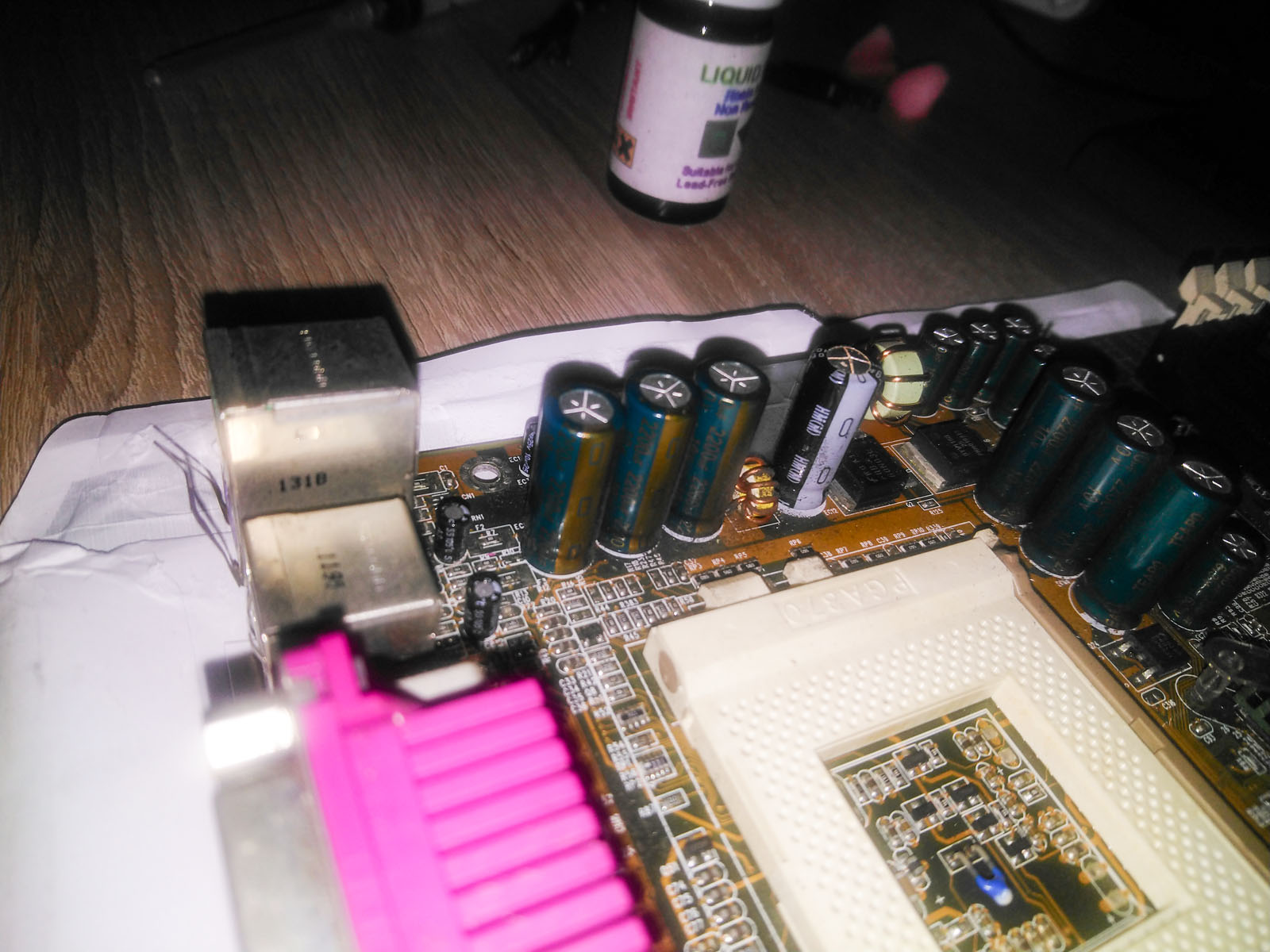
This obviously doesn’t help me much – 14 years after the fact. So I started to comb over the board from top to bottom and noted all of the values for the capacitors and their respective positions. An overview of this result with all suitable replacement parts is available here:
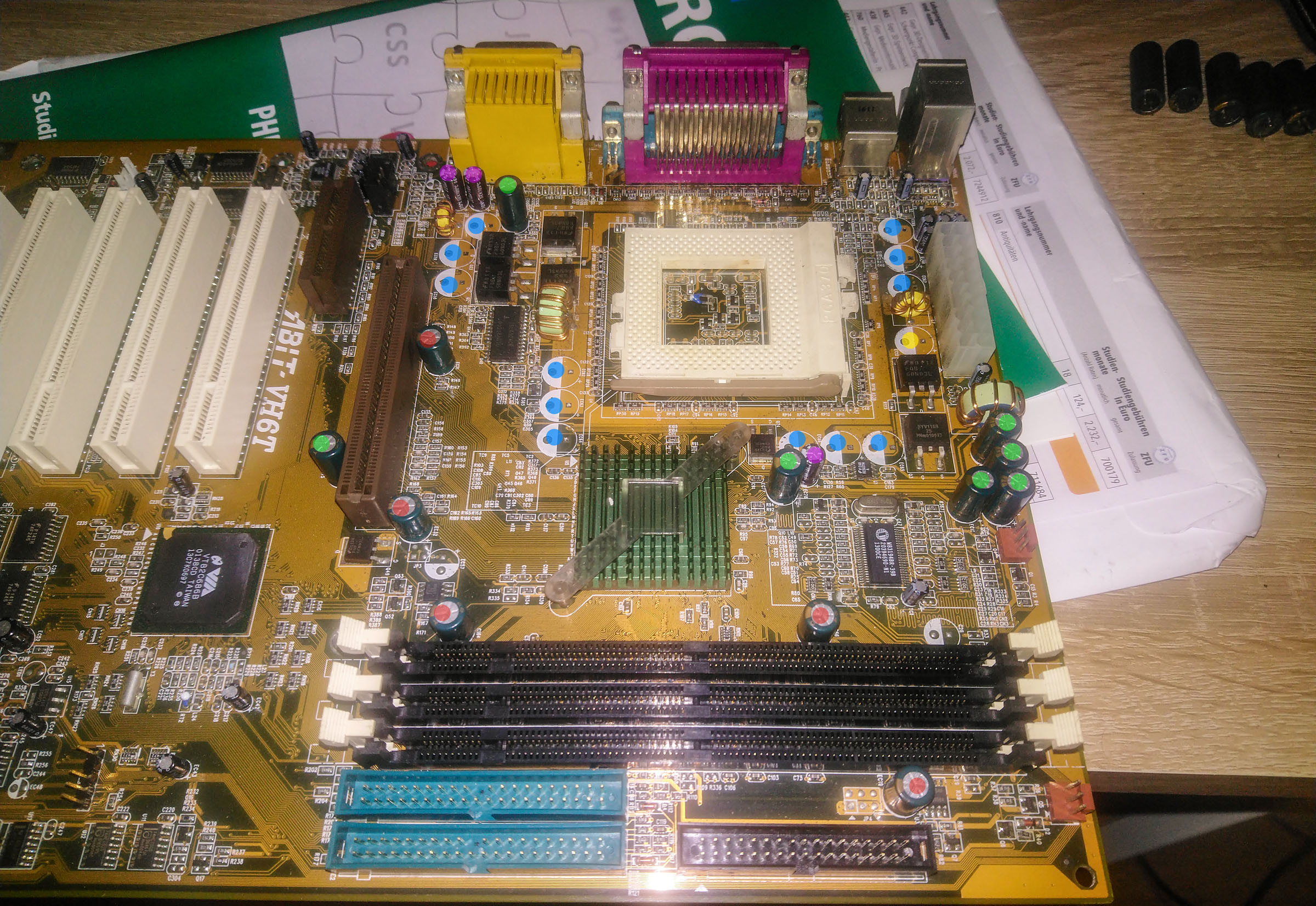
| Color/Position | Value | Quantity | Replacement |
|---|---|---|---|
| BLUE | 2200uF@10V | 12 | EEUFR1A222L |
| GREEN | 1500uF@6.3V | 7 | EEUFR0J152L |
| RED | 1000uF@6.3V | 5 | ULR1000/6.3L |
| PINK | 220uF@16V | 3 | EEUFR1C221 |
| YELLOW | 3300uF@6.3V | 1 | EEUFR0J332L |
| NEXT TO BIOS CHIP | 100uF@16V | 1 | EEUFR1C101 |
| ALL OTHERS | 10uF@25V | 22 | UVZ1E100MDD |
I was able to order all of the replacement caps relatively cheap at Darisus GmbH. Only the 1000uF caps were problematic – I wasn’t able to find a suitable replacement so I used entirely different polymer caps. These are a bit on the expensive side but they will live much longer.
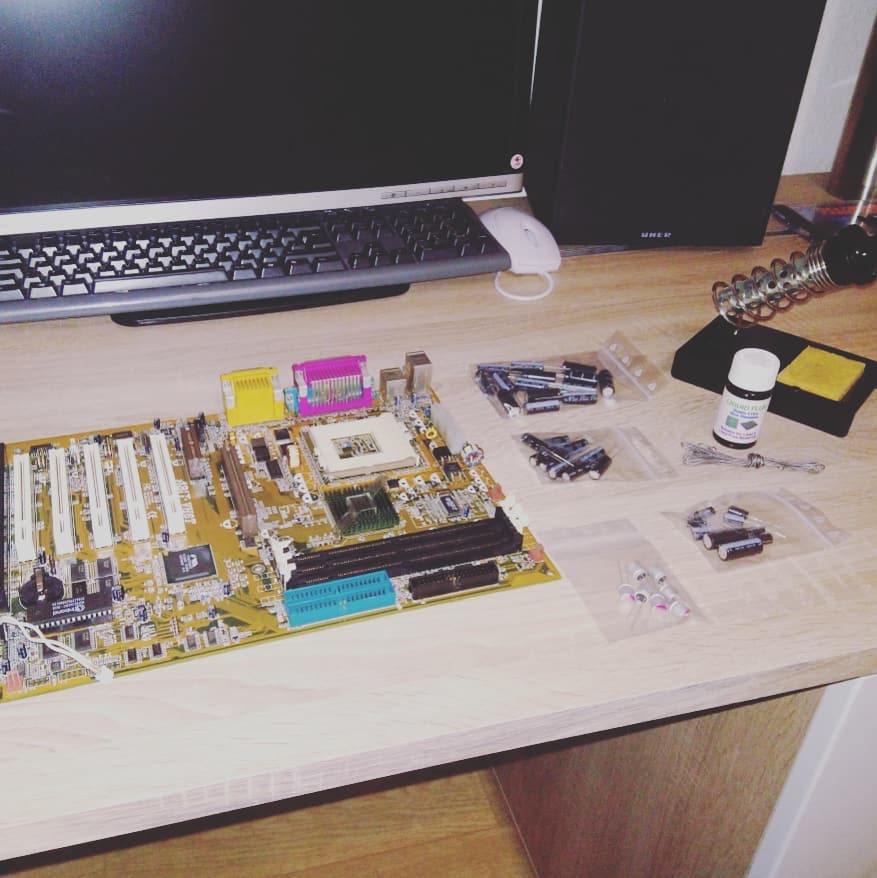
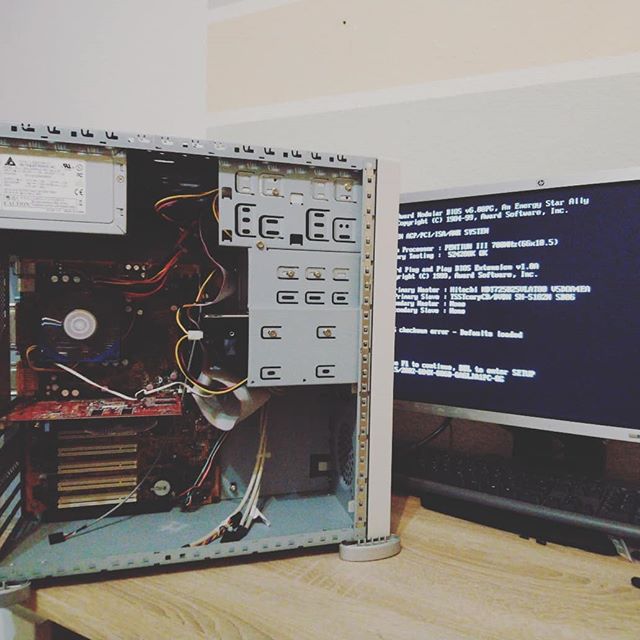
After replacing all of the components the machine is now working perfectly fine. Time to play a game!
Just popping in to say this little article is a fantastic find for me. Some many years back I bought, briefly tested, and put away this board, saving it and its ISA slot for use with an HBIB card to connect to non-standard 710k floppy drives and exchange files with an HP150 Touchscreen, my first PC.
Now, finally retired, I am going about de-mothballing my gear, and lo and behold, the VH6T, my hope as well for overclocked Tualatin DOS gaming, has a visible bad cap. I’ve decided to replace them all, though this will be my very first attempt and first try at soldering since I was 14 years old. A challenge, for sure.
Anyway, thanks so much for writing this up. It is invaluable to me.
Thank you for the great article. It has saved me a lot of time in finding the right caps for my Abit VH6T. In my case, all the green ones went bad, while the other ones seem unaffected when tested with a multimeter. Nevertheless, all of them should be replaced.
Hallo. Ich suche jemanden, der mein Mainboard Gigabyte GA-486AM/S Rev 2.1 reparieren kann. Hier ist die genaue Geschichte zum Defekt:Ich habe das Board gebraucht gekauft und anfangs lief es normal mit einem Intel DX4-100, verlor aber die BIOS-Einstellungen. Ich habe daraufhin andere, neu gekaufte Dallas-Chips eingesetzt. Da diese die Einstellungen ebenfalls nicht speicherten, ließ ich den PC eine Weile eingeschaltet in der Hoffnung, die Batterie würde sich aufladen. Währenddessen fror der Computer plötzlich komplett ein.Ich dachte zuerst, es liegt nur am Dallas-Chip, habe den originalen Benchmarq-Chip professionell gefräst und mit einer externen 3V-Batterie versehen – das brachte aber keinen Erfolg. Da ich das Board so gekauft habe, dachte ich mir, dass vielleicht auch etwas mit den Jumpern nicht stimmt. Möglicherweise waren sie falsch eingestellt, aber eine Änderung der Jumper-Settings half leider auch nicht.Auch das erneute Flashen des originalen Award-BIOS-Dumps mit einem T48-Programmiergerät brachte keinen Erfolg. Das Board bleibt komplett stumm. Der CPU-Lüfter dreht sich, aber es gibt kein Bild und keinen Ton (kein Beep).Wer kann das Board professionell prüfen und reparieren?Viele Grüße,Mariusz