
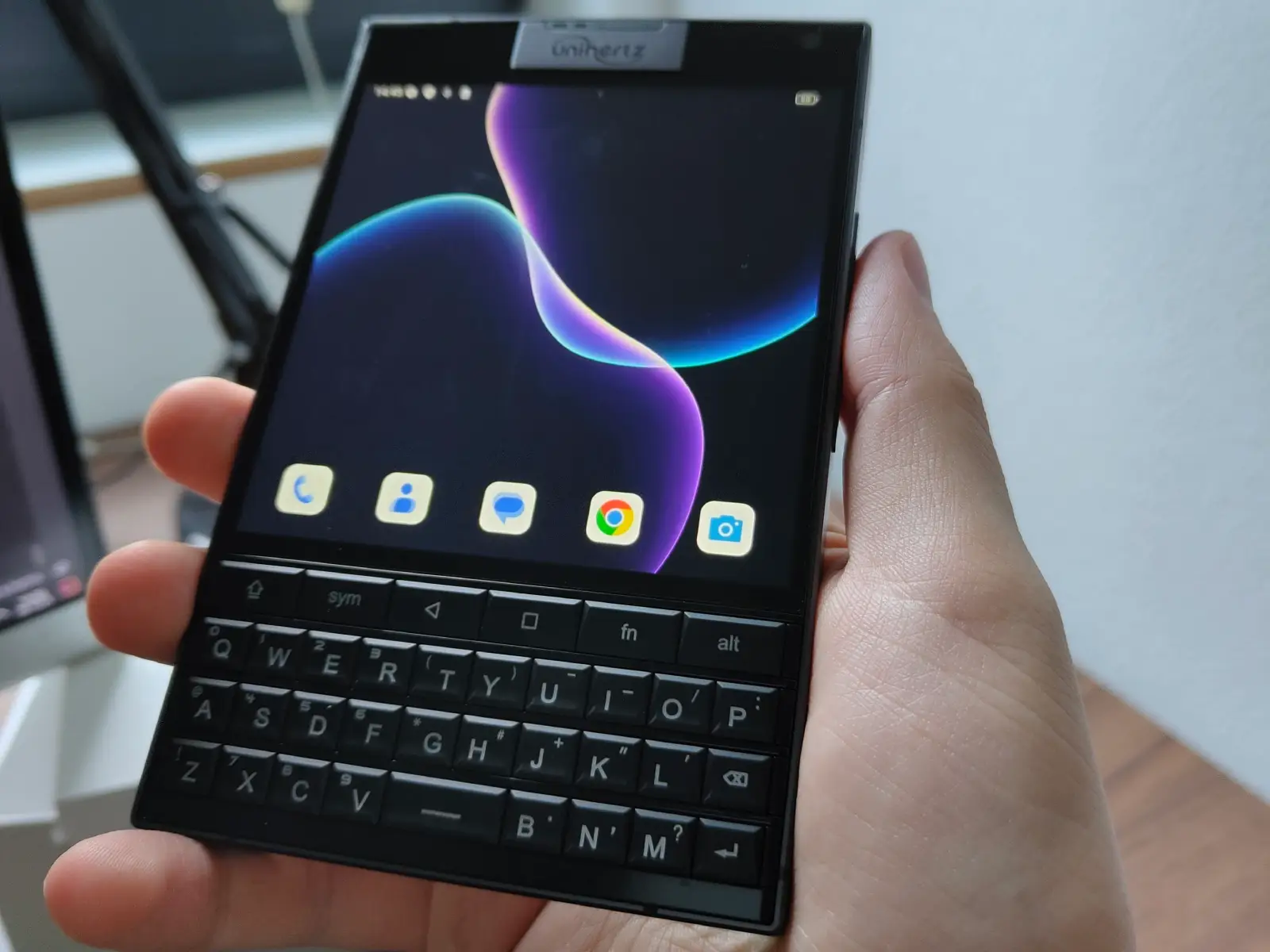
Unihertz Titan 2: Firmware-Archiv (Europa/Weltweit)
Kurz nachdem ich meinen Artikel über das Rooten des Unihertz Titan 2 geschrieben hatte, stellte ich fest, dass Unihertz alle alten Softwareversionen von ihrem Google Drive gelöscht hat, vermutlich um Bandbreitenkosten zu sparen. Da der Zugriff auf ältere Firmware-Versionen notwendig ist, um das Gerät wieder zu entrooten und das offizielle Update-Tool auszuführen, habe ich beschlossen, die gesamte Software selbst zu hosten.
Du kannst die Firmware hier herunterladen.
Verfügbar sind vollständige Updatepakete (Firmware) und OTA-Updates für europäische (EEA) und weltweite Regionen (TEE).
Aktuell verfügbare Releases:
| Firmware Date (EEA) | Firmware Date (TEE) | Version | Notes |
|---|---|---|---|
| 2025090216 | 2025090819 | 1.00 | Pre-Release (presumably for devices sent out early to reviewers) |
| 2025102717 | 2025102716 | 1.00.07 | Preinstalled for Kickstarter backers |
| 2025111916 | 2025111915 | 1.00.10 | Bugfix for ghost touch problems, enhances mini mode on long press |
| 2026020617 | 2026021022 | 1.00.12 | Major Android 16 update |
Letzte Aktualisierung: 28. Februar 2026
Will you update you file server with the latest titan 2 android 16 firmware zip?
I had to wait for Unihertz to actually upload it. 🙂 It’s on my server as well now!
How can I flash their firmware? I tried to use their program SPMultiPortFlashDownloadProject.exe but always get error ’not supported chip type‘ when I select the scatter file. It’s from 2024 so not sure is updated… Thank you for keeping all firmwares.
SP Flash Tool v6 should work for this, if you need to fully flash the device from scratch:
https://spflashtools.com/
Be aware you probably need to backup some partitions before flashing, so you do not lose your IMEI and other settings. Only use SP Flash Tool if your device is bricked, otherwise use the inbuilt updater (under Settings -> About the Phone -> System Update) for updating to the latest software.